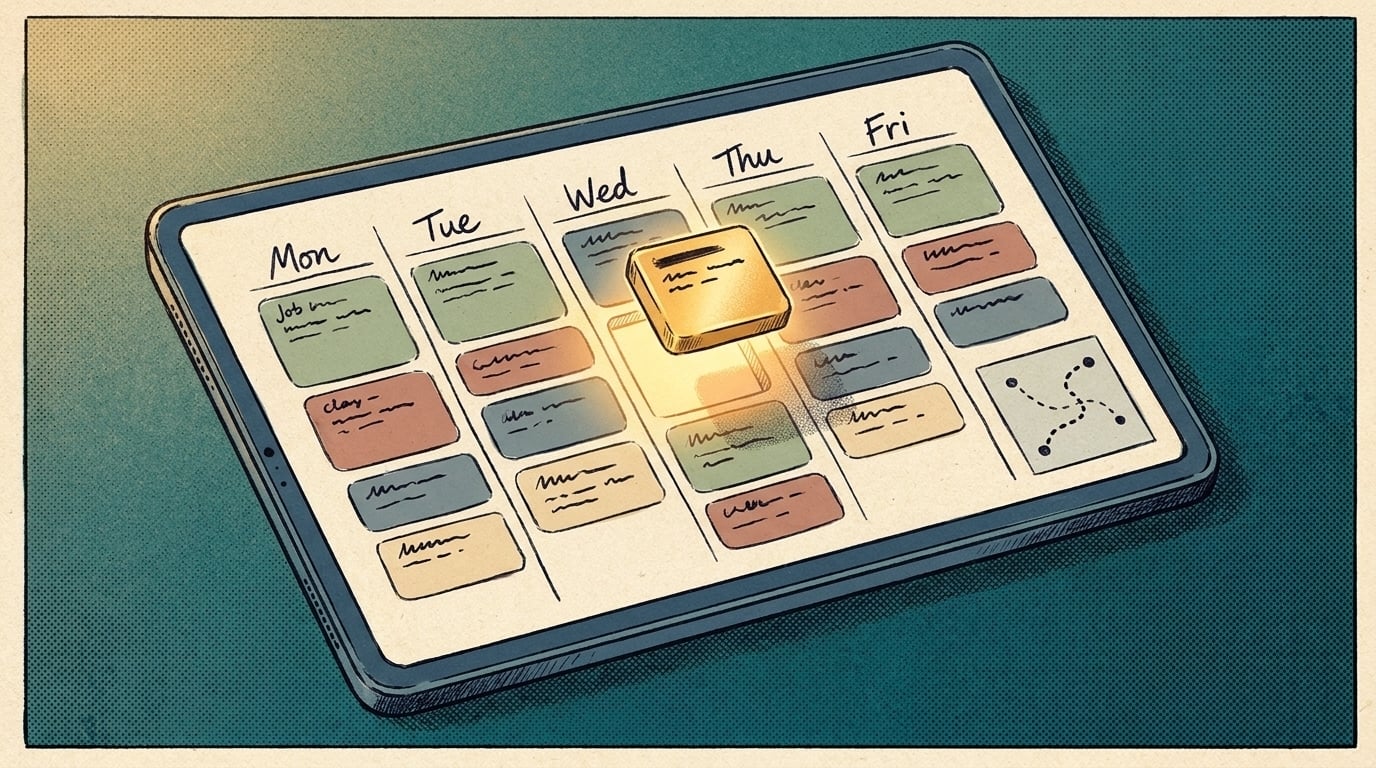
AI for scheduling a week of jobs works like a dispatcher's first draft. You give it next week's jobs, who can do each one, how long each takes and where it is, and it lays out the board for you to check and adjust. That's a different tool from a booking link, which only lets a customer pick a time. A weekly draft works when job lengths are predictable and your rules can be written down. If every job is custom, start with reminders and keep the board in your own hands.
TL;DR
- Booking tools fill time slots. Weekly scheduling decides who goes where, and in what order.
- Write your rules down first: skills, job lengths, areas, days off.
- Let software draft the week, then you adjust and approve it.
How is planning the week different from booking appointments?
Booking answers "when can this customer get a slot?" Weekly scheduling answers a harder set of questions: which person takes which job, in what order, without sending two people across town to the same street, and without one person carrying twice the load of another.
Online booking has its own rules about job types and drive time, covered in whether AI appointment scheduling is worth setting up. This post is about the board behind it: the week of work you assign once the jobs are in.
What does a weekly schedule need to know?
More than most owners write down. The rules usually live in one person's head. Get them on paper first:
- Who can do what. Skills, licenses, the jobs only one person handles.
- How long jobs take. A typical range for each job type, not a single guess.
- Where jobs are. Addresses, service areas, which days you cover which area.
- What's fixed. Appointments with a promised time, versus jobs that can happen any time that day.
- Who's out. Days off, training, the van in the shop.
- Your preferences. Keep regular customers with the same person, finish the big job before the weekend.
Once it's written, you'll see why this is hard to do by hand. Google's guide to its free scheduling solver opens with the same problem for shift work, and notes that satisfying all the rules "can be computationally difficult." Its example balances even shift distribution against people's requests, the same trade-offs you make on a Sunday night with a whiteboard.
What can your scheduling software already do?
Check this before you buy anything. Field service apps have been adding routing for years. Jobber, for example, says its route optimization "helps you plan your team's day more efficiently by arranging anytime visits in the best possible order," based on actual driving distance, and it can optimize up to seven days at once. Two limits matter: it works on anytime visits, not ones with a set start time, and it's available on certain plans.
So the order of stops may already be handled. What's usually left is the part before it: deciding who gets which job in the first place, and turning messy requests into jobs the software can schedule.
Where does AI add something beyond your software?
In the reading and the drafting:
- Turning requests into jobs. A text that says "can someone look at the back unit before Thursday" becomes a job with a type, an estimated length, an address and a deadline.
- Drafting assignments from plain-language rules. You write "specialty work goes to the two people certified for it, and nobody does more than two long jobs a day," and the AI proposes who takes what.
- Explaining the trade-off. When it can't fit everything, it tells you which rule it bent and why, so you decide.
The best setup pairs the two: AI reads and drafts, and your scheduling software's routing handles the order of stops. A language model on its own is good at reading requests and weak at guaranteeing every rule holds, so check the draft against your list.
How do you start without breaking next week's schedule?
- Run it alongside you. Build the board the way you do now, and have the AI draft its version from the same jobs and rules.
- Compare the two. Where it got something wrong, the cause is usually a rule you never wrote down. Add it.
- Let it go first. After a few weeks of close matches, have the AI draft first and spend your time adjusting.
- Approve before anyone is told. The crew sees the schedule after you've signed off, not before.
Same-day changes, like a sick call or an emergency job, are a different problem from planning the week. Get the weekly draft right first. When you're ready to automate another recurring job, here's how to automate the task you do every Friday.
When isn't it worth it?
When every job is custom and you can't estimate its length, when you have two people and you can hold the week in your head, or when nearly every job has a fixed appointment time. In those cases, automated reminders and confirmations save more time than a weekly draft.
When the board pulls from several tools that don't talk to each other, AI Marketing Labs builds Custom AI Automations around that one process, on your own tools, and you own the result.
Related articles
Frequently asked questions
Will my crew accept a schedule drafted by AI?
They see the schedule you approved, so to them it's still your schedule. Tell them a tool drafts it and you check it, and fix the first complaint quickly.
Can it handle recurring jobs?
Yes, if you give it the pattern. List recurring work separately so the draft places it first and fits one-off jobs around it.
Do I need a field service app for this?
Not to start. A shared calendar and a written list of rules are enough to test a weekly draft. A field service app helps once you want routing and crew notifications in one place.