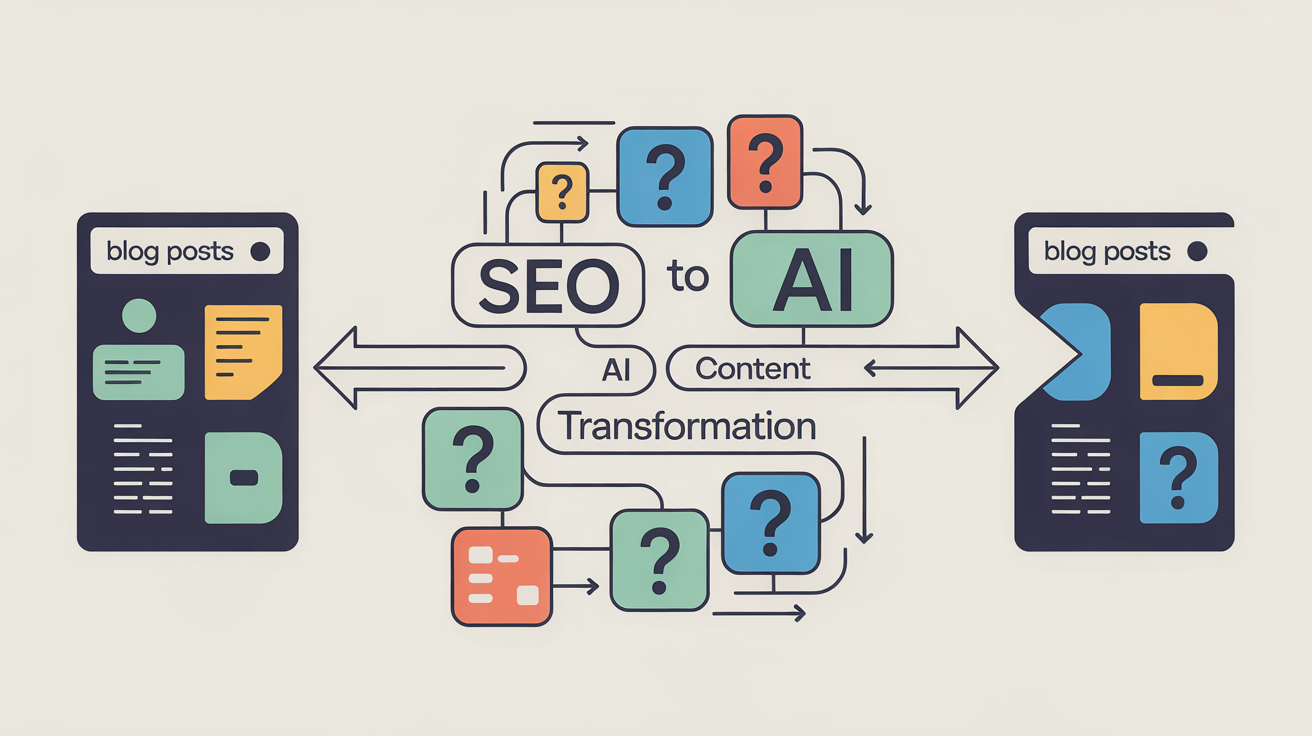
To repurpose existing SEO blogs into AI-optimized versions, pick the posts that already rank or already answer a buying question, then rebuild each one from the top down: a direct answer in the first sentence, a title and headings phrased the way someone asks an assistant, facts you've checked this year, a few numbers only you have, and a FAQ with matching schema. Keep the URL. You're not writing a new post; you're making the old one quotable, and the page you started with is the asset.
TL;DR
- Refresh posts that rank or sell. Leave the rest.
- Answer first, question headings, checked facts, your own numbers, FAQ schema.
- Never change the URL. Do request indexing when you're done.
Which old posts are worth repurposing?
Three kinds, in this order. Posts that already rank in Google's top ten for anything, because those are pages the model can already find: Ahrefs' March 2026 study found that 37.9% of the URLs cited in AI Overviews ranked in the top ten for the query. Posts that answer a buying question ("how much does X cost," "X vs Y," "how do I get started"), because Semrush's traffic study put the average AI search visitor at 4.4 times the value of a regular organic visitor, measured by conversion rate. And posts with something only you could have written: a method, a price, a result from a real job.
Skip the rest. A post nobody read that answers a question nobody asks doesn't get better by being restructured. Search Console will show you the "crawled, currently not indexed" list; much of what's on it belongs merged into a stronger post or retired, not refreshed.
What changes, section by section?
Work from the top. The order matters because the first hundred words are what the model reads first and what it quotes.
- Rewrite the opening as the answer. If the title asks a question, sentence one answers it, in under 45 words, with no setup. Cut the scene-setting sentence and anything that restates the title.
- Turn the title into the question people type. "Email Marketing Best Practices" becomes "What Email Follow-Up Works for a Service Business?" The keyword stays; the phrasing becomes a question an owner would actually ask an assistant.
- Turn each H2 into a question or a how-to. "Pricing considerations" becomes "What does it cost?" Each section then answers its own heading in the first line.
- Check every fact and date. A 2023 statistic in a 2026 answer is a reason to skip you. Replace with a current source you've read, linked on the claim, or cut it.
- Add what only you know. Your turnaround time, your price range, the question customers ask on the first call, a worked example with numbers from a real job. This is what separates your page from the other nine sources.
- Add a FAQ and matching schema. Three questions a reader would still have, short answers, and FAQPage JSON-LD that mirrors the visible FAQ exactly. Schema describes what's on the page; it never adds content that isn't there (more on what schema does for AI-optimized content).
- Fix the links. Replace dead or generic citations, link related posts from a phrase that says what the reader gets there, and make sure at least one page on your site links to this one.
The checklist for what a finished page should contain is in the key elements of AI-optimized content. This post is the process for getting an old page there, and a 12-step checklist for getting a page cited in AI answers goes deeper on each step.
What should you leave alone?
The URL, first. Changing a slug throws away whatever ranking the page has and forces a redirect for nothing. The core topic, second: a refresh sharpens the answer to the same question; if you find yourself answering a different one, that's a new post. And anything that's working: if a section already opens with a clean answer and current facts, don't rewrite it to match a template.
Two posts that answer the same question are the other case to watch. Don't refresh both. Pick the stronger URL, fold the useful parts of the weaker one into it, unpublish the weaker one, and redirect it. Google and the assistants both prefer one good page to two half-good ones.
How long does a refresh take?
Longer than the edits suggest, because the time goes into fact-checking and finding your own numbers, not writing. The structural edits are fast once you've done two. Set a monthly number you can do properly and the backlog shrinks without crowding out new posts. After that, how often to revisit AI-optimized pages sets the schedule. If you'd rather not do the structural pass by hand, AI Marketing Labs built a free tool for it: AI Search Optimizer transforms your existing content to perform better in AI-powered search, which gets you through steps one to three and leaves the fact-check and the proprietary detail to you.
How do you know the refresh worked?
Not by traffic, at least not first. Ask the assistants the post's question once a month (ChatGPT, Perplexity, Google's AI Mode) and log whether your page is cited. Watch Search Console for the page moving from "crawled, not indexed" to indexed, and for impressions on the question-shaped queries. Then branded search, since people who see you in an answer may look you up by name. For the full set of signals, see what an AI search tracker should actually track.
Request indexing in Search Console the day you publish the refresh, and wait until the page has been recrawled and indexed before judging. The plan for the whole library, including which topic to refresh first, is in how to win at AI search optimization.
Related articles
Frequently asked questions
Should I update the publish date on a refreshed post?
Yes, if the content changed substantively. Update the date, keep the URL, and make sure the body actually reflects current facts; a new date on stale content does nothing.
Will restructuring hurt my existing Google rankings?
Not if you keep the URL and the topic. The same changes (direct answer, clear headings, current sources, schema) help a page in regular search too. Changing the slug or drifting to a different question is what costs rankings.
How many posts should I refresh at once?
Enough to make progress, few enough to do each one properly. Pick a monthly number you can keep up, and start with the topic that matters most to your business.