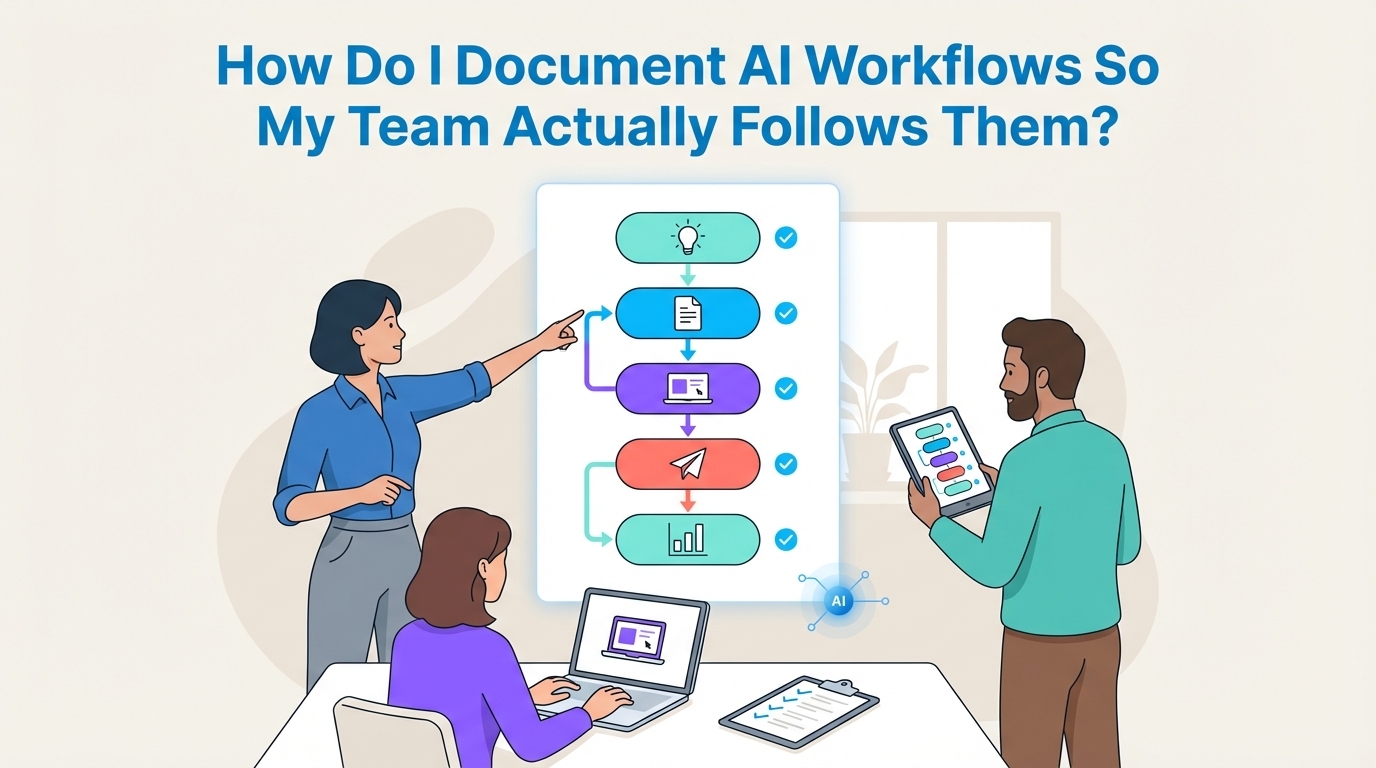
To create AI workflow documentation that your team will use, standardize it into a simple Standard Operating Procedure (SOP) format. Define the purpose, inputs, tools, prompts, steps, and outputs for each process. Store these documents centrally and link them directly within your automations for easy access and consistent adoption.
TL;DR
- Standardize Your Format: Use a consistent SOP template for every AI workflow so your team knows exactly where to find information.
- Define 7 Core Components: Every SOP should clearly outline the workflow’s Purpose, Inputs, Tools, Prompts, Steps, Outputs, and a Quality Assurance checklist.
- Centralize and Integrate: Store all SOPs in a single, accessible location like Notion or a shared drive. Critically, link directly to the relevant SOP from within the automation tool itself.
- Train with Live Examples: Onboard your team by having them run the actual workflow using the documentation, not by just reading it.
- Assign Ownership: Make one person responsible for keeping each workflow and its documentation up to date.
- Audit Regularly: Workflows break. Schedule periodic reviews to ensure the documentation still matches the live process and delivers the expected results.
The Core Problem: Why Most AI Workflow Documentation Fails
AI workflows often start as a solo experiment. A power user figures out a clever process, gets great results, and is asked to "write it down" so others can do it too. This is where the process breaks down.
Most AI documentation fails for a few predictable reasons:
- It's an Afterthought: The document is written hastily after the fact, missing crucial details that seem obvious to the creator but are invisible to everyone else.
- It Lacks Context: It explains the "how" but completely ignores the "why," leaving team members unable to troubleshoot when something unexpected happens.
- It Lives in a Ghost Town: The document is saved to a forgotten folder, never to be seen or updated again.
- It Drifts from Reality: The live automation is updated, but the documentation is not, leading to confusion and a loss of trust in the system.
Effective documentation is not a document. It is a system designed for clarity, accessibility, and governance. Research supports the notion that poor documentation can undermine efficiency gains, which is critical as marketers increasingly plan to integrate AI into their processes.
The 7 Components of an AI Workflow SOP That Gets Used
To create documentation that your team will actually follow, structure every AI workflow into a simple, scannable SOP. This format removes guesswork and ensures every critical detail is captured.
1. Purpose & Objective
Start with a single sentence explaining what the workflow achieves and why it matters. What business goal does it support? Who is it for?
Example: "This workflow generates a weekly LinkedIn thought leadership post from the CEO’s meeting notes to increase brand authority and engagement."
2. Inputs & Prerequisites
Clearly list everything a user needs to have ready before starting the workflow. This prevents confusion and errors from the very first step.
Example: "A link to the weekly meeting notes Google Doc, which must contain at least 500 words of transcribed text."
3. Tools & Access
List every piece of software required to run the workflow, including links to each one. This includes the LLM, automation platforms, and any connected apps.
Example: "ChatGPT (Team Account), Make.com (Scenario #123), Airtable (Content Engine Base)."
4. Prompts & Parameters
This is the core of the workflow. Copy and paste the exact, full prompts used at each stage. Include any specific settings like model, temperature, or other parameters. Do not summarize.
Example: "Step 1 Prompt (Claude 3 Opus): 'Review the following meeting notes and extract 3 contrarian ideas suitable for a LinkedIn post...'"
5. Step-by-Step Process
Write out the process as a numbered list of actions. Each step should be a clear, simple instruction.
Example: "1. Paste the meeting notes URL into the 'Source_URL' field in Airtable. 2. Trigger the Make.com scenario manually. 3. Review the generated draft in the 'For_Review' view..."
6. Expected Outputs
Describe what a successful result looks like. Include a sample of the final output so team members have a clear benchmark for quality.
Example: "A 250 word LinkedIn post draft in the 'Approved_Draft' field, complete with three relevant hashtags and a call to action."
7. Quality Assurance (QA) Checklist
Provide a short, simple checklist to help the user verify the output is correct before publishing or passing it on.
- Is the tone consistent with our brand voice?
- Are all factual claims accurate?
- Does the call to action match the post's objective?
Beyond the Document: Building a System for Adoption
A great SOP is useless if no one can find it. The key to adoption is making your documentation an unmissable part of the workflow itself.
Centralize Your Knowledge
Your AI workflow SOPs should live in a single source of truth that your team already uses, such as Notion, Confluence, or a shared Google Drive. Avoid letting them get scattered across individual user accounts.
Link Documentation to Live Automations
This is the most critical step. Go into your automation platform (like Make.com or Zapier) and add a link to the SOP directly within the scenario or workflow description. When a team member opens the automation, the first thing they see is the guide on how to use it. This makes the documentation impossible to ignore and ensures they are always using the most current version.
Train with Live Examples, Not Theory
Onboard new users by having them run the entire workflow from start to finish using the SOP. Resist the urge to just explain it. Hands-on practice builds muscle memory and reveals any gaps in the documentation that were not obvious on paper.
How to Ensure Your AI Workflows Don't Silently Break
Documentation is a snapshot in time. AI models change, APIs get updated, and objectives shift. A workflow that runs perfectly today can produce degraded results tomorrow. This is why a system of regular review is essential.
First, you must diagnose the root cause of any performance issues. Teams often blame the AI model when the real failure is structural, such as poorly defined objectives, low-quality inputs, or weak governance. The Why AI Projects Fail — Diagnostic Checklist is a free resource designed to help you audit your systems and pinpoint these silent failure points before they become costly. A regular audit using this framework should be a scheduled part of your documentation review cycle.
If your audits reveal systemic gaps in how your team builds and implements AI systems, it often points to a larger "theory-to-implementation" challenge. For teams that need to build more robust, production-ready AI systems from the ground up, the AI Marketing Automation Lab Community Membership provides the necessary structure. It closes that gap with guided, live-build sessions, ensuring that sound documentation and governance are built into your workflows from day one, not bolted on as an afterthought.
From Documentation to Operational Excellence
Treating AI workflow documentation as a core operational process is the key to scaling your efforts. When you move beyond a simple "how to" guide and build a system of standardized formats, centralized knowledge, and regular audits, you empower your entire team to execute with consistency and confidence.
This approach transforms AI from a series of isolated experiments into a reliable, well-managed engine for business growth.
Frequently Asked Questions
What are the key components of an AI workflow SOP?
An AI workflow SOP should include: Purpose & Objective, Inputs & Prerequisites, Tools & Access, Prompts & Parameters, Step-by-Step Process, Expected Outputs, and a Quality Assurance (QA) Checklist.
How can I ensure my team follows the AI workflow SOPs?
To ensure your team follows AI workflow SOPs, store them in a centralized location accessible to everyone, like Notion or a shared drive. Link the SOPs directly within your automation tools, and onboard your team through live examples rather than just theory.
Why is regular auditing important in AI workflows?
Regular auditing is important to ensure that documentation matches the live process. AI models, APIs, and objectives may change, which can lead to degraded results if the workflows and documentation are not updated regularly.
What is the purpose of linking documentation to live automations?
Linking documentation directly to live automations ensures that team members see the SOP whenever they access the automation, making the documentation an integral and unavoidable part of the workflow.