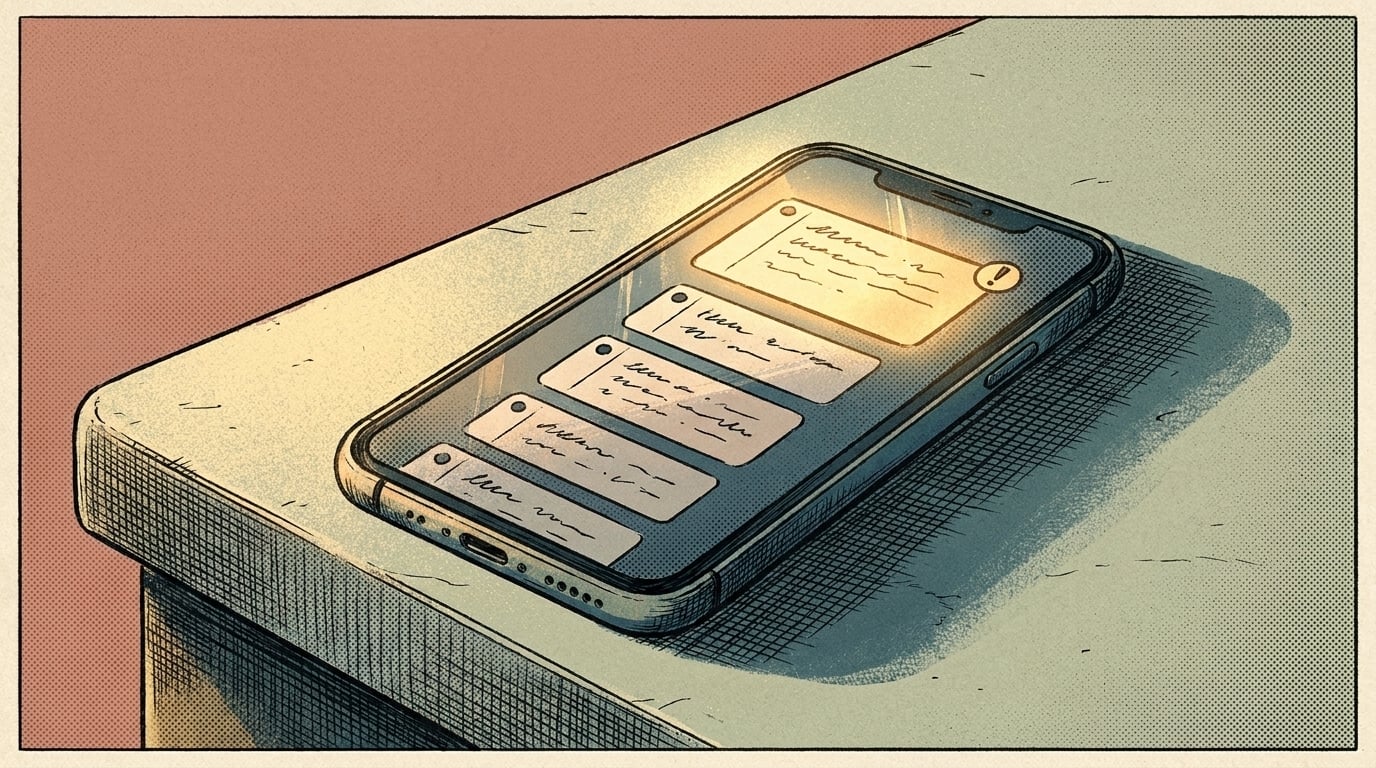
An AI voicemail assistant takes the messages people leave when you can't pick up and turns each one into a short note: who called, what they need, their number and how urgent it sounds. It puts the urgent ones at the top, can text the caller that you got the message, and adds the callback to your list. It doesn't talk to callers. Tools that answer the call and hold a conversation are AI receptionists, a bigger step that's worth it when missed calls are costing you work you can't win back with a quick callback.
TL;DR
- Your phone may already transcribe voicemail. The useful part is what happens next.
- Have AI pull out the caller, the need and the urgency, then sort.
- Check names and numbers against the recording before you call back.
What does your phone already do with voicemail?
More than it used to. On iPhone, Apple offers real-time transcriptions with Live Voicemail, so you can read a message as it's being left. Google Voice shows a text version of each voicemail too, with a plain warning on its help page: "Voicemail transcripts may be incorrect or missing." Availability depends on your phone, your carrier and your phone system.
So a transcript is often already there. What you don't get is any help with the pile: twelve messages after a long job, read one at a time, with the number you need buried in the middle of a sentence.
What does an AI voicemail assistant add?
It works through each message and does the sorting you'd do yourself:
- Pulls out the details. Name, callback number, address if they gave one, what they need and any date they mentioned.
- Judges urgency. "Water coming through the ceiling" goes above "wondering about a quote for spring."
- Sorts the rest. New inquiries, existing customers, vendors, spam.
- Texts the caller back. A short message so they know you got it and aren't calling the next name on their list.
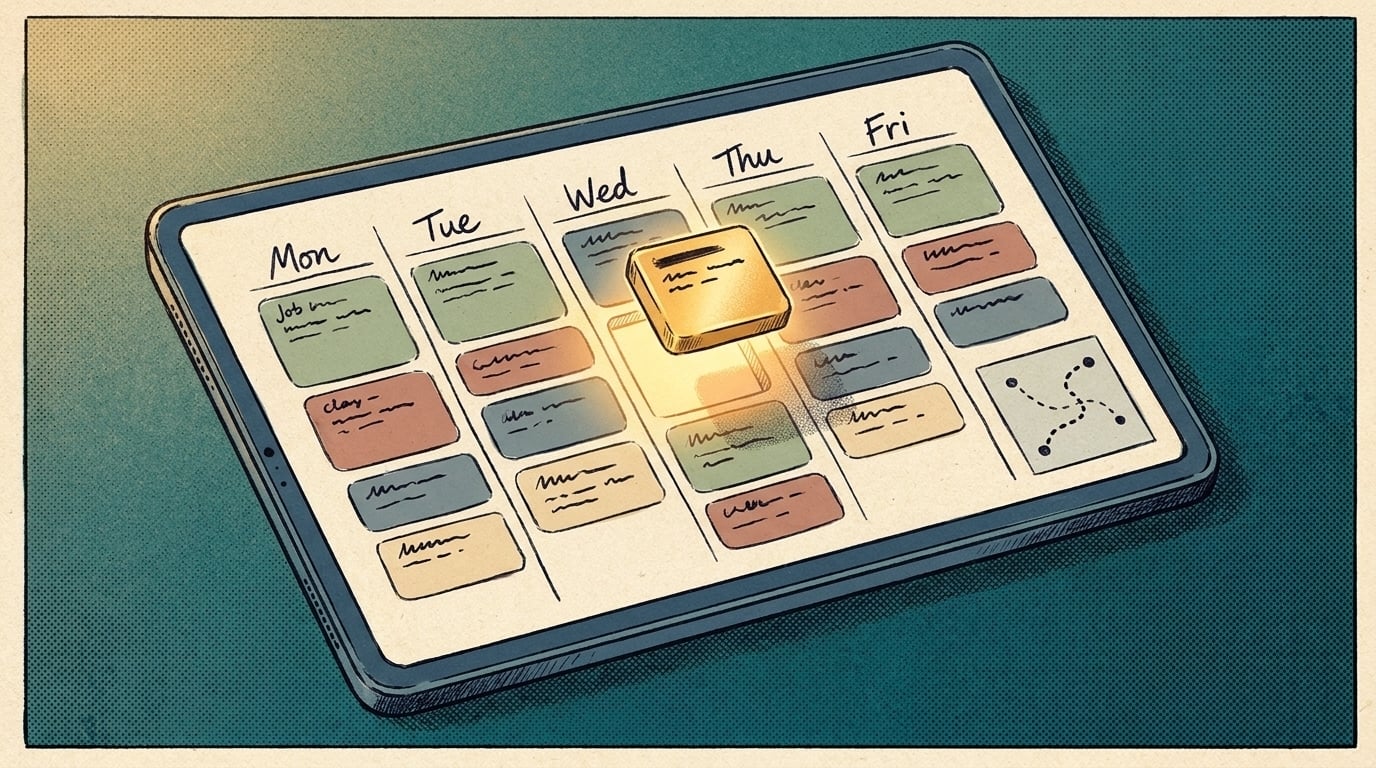
- Adds the callback to your list. In your CRM, task app or a shared sheet, with the transcript and a link to the audio.
By evening, you have one list instead of twelve recordings. If more than one person returns calls, the list also shows who's taking each one, so a customer doesn't get two callbacks and another gets none.
What should the text-back say?
Short, honest, and nothing you can't keep. Something like: "Thanks for calling. We got your message about the leak and will call you back today." Don't promise a time unless your day lets you keep it. Don't quote prices or confirm bookings by text from a transcript; a misheard word turns into a promise you didn't make.
Only text people who called you, and keep to your phone provider's rules for business texting.
Voicemail assistant or AI receptionist?
Pick by what your callers do when you don't answer.
- They leave a message and wait for you. A voicemail assistant is enough. The work is in sorting and calling back fast.
- They hang up and call someone else. A message never gets left, so there's nothing to sort. That's when an answering tool that talks to callers earns its cost. Here's how an AI receptionist for small business handles your calls.
You can start with voicemail and move up later if callers keep hanging up without leaving one. Your phone system's missed-call log will tell you.
How do you set it up?
You need three pieces:
- A way to get each voicemail out of the phone system. Check whether your phone system can email each voicemail as an audio file or a transcript. If it can, that email is your trigger.
- A step that reads it. An automation tool passes the transcript, or the audio for transcription, to an AI model with clear instructions: what to pull out, how to judge urgency, what to put in the text-back.
- A place for the result. Your CRM, task app or a shared sheet, plus the text message back to the caller.
Voicemails carry names, numbers and addresses. Use AI tools whose data terms you've read, and keep the transcripts where your customer records already live, not in a new app nobody checks.
Test it on a week of real voicemails before it texts anyone. Read every output next to the recording and fix the instructions where it got things wrong.
What goes wrong?
- Numbers and names get misheard. Callers rattle off numbers fast. Keep the audio link on every note and check the number before you dial.
- Urgency gets misjudged. A calm voice can carry an urgent problem. Review the "not urgent" pile once a day in the first weeks.
- Transcripts go missing. As Google's own note says, some never arrive. The assistant should flag a voicemail it couldn't read rather than drop it.
- The text-back says too much. Keep it to "got it, we'll call you."
If you want this running on your own phone system and tools, AI Marketing Labs builds Custom AI Automations around one process like this one, scoped and priced before any build starts. For keeping the callback history in one place, here's what an AI CRM does for a small team.
Related articles
Frequently asked questions
What if the caller hangs up without leaving a message?
There's nothing to transcribe. Check whether your phone system offers a missed-call text, which sends a message to anyone who called and didn't get through.
Should the AI call people back?
Not at this step. The assistant gets the callback on your list with the details. A person makes the call, which is where the job gets won.
Does this work with an office line, not just a mobile?
If your phone system can email voicemails as audio files or transcripts, you can work from those. Check your phone system's voicemail settings.