AI for HR in a small team starts with the questions staff keep asking you: how much paid time off is left, what the holiday schedule is, how to submit an expense, who to call when something breaks. Load your handbook and policies into an AI assistant that answers only from those documents and shows where each answer came from. That takes the repeat questions off the owner's plate. Hiring decisions, discipline and anything personal stay with a person.
TL;DR
- Start with the policy questions staff ask every week.
- Answer only from your own handbook, with sources.
- Keep hiring, discipline and personal matters human.
What does AI for HR look like without an HR department?
Much of what you read about AI in HR is written for companies with an HR team and an HR software suite. SHRM's research on the state of AI in HR, drawn from more than 1,900 HR professionals, found 39% of organizations have implemented AI in their HR functions, with use concentrated in recruiting, HR technology and learning. A 15-person company usually has no HR department at all. HR is the owner, an office manager, and a binder or shared folder of policies.
At that size, the useful jobs are smaller and more practical:
- Answering the same policy questions from the handbook.
- Drafting job posts from what the role really involves.
- Turning onboarding into a checklist a new hire can follow.
- Summarizing interview notes so the people deciding can compare candidates.
How does AI answer staff questions from your handbook?
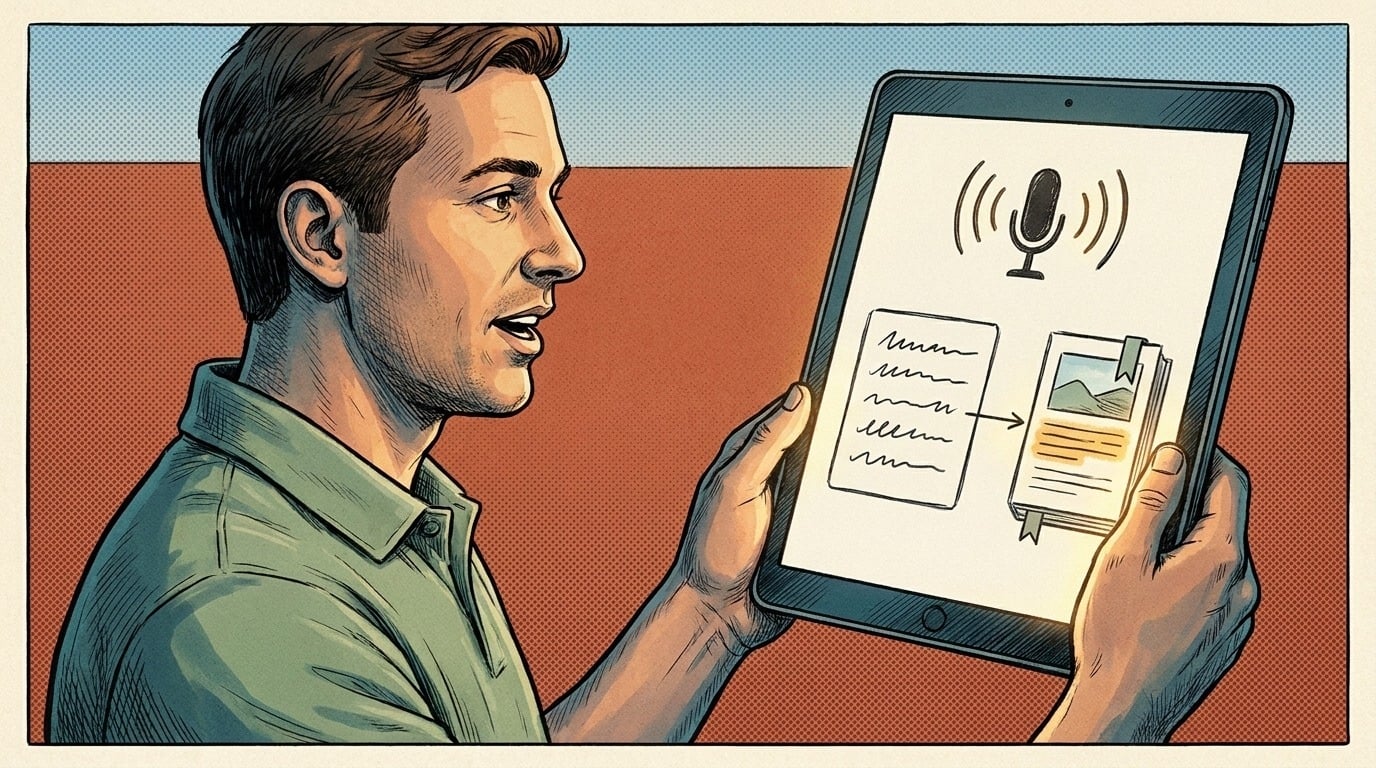
You give an assistant your handbook, policies and common forms, and tell it to answer only from those documents. A staff member asks "how do I request a day off?" and gets the steps from your policy, with a link to the section it came from. If the answer isn't in the documents, it says so and points them to a person.
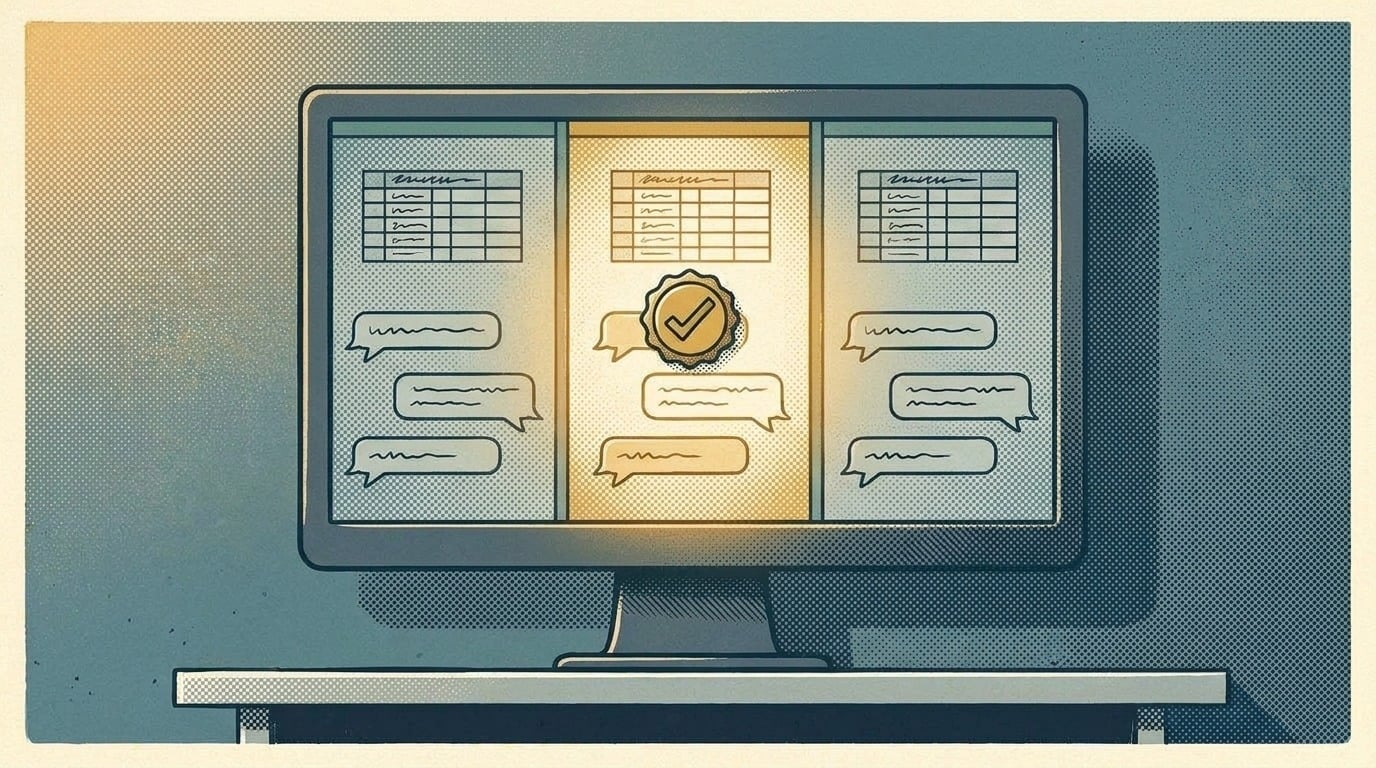
The sourced answer matters. It lets an employee check the policy themselves, and lets you see when the assistant got something wrong. What makes this work is the material, not the tool: current documents, one version of each, and someone who owns updating them. The full setup is in how to build an AI knowledge base for your business, and here's what an AI knowledge base needs before it can answer your team.
What do you need to prepare?
- Collect the documents. Handbook, leave and time-off policy, expense rules, holiday calendar, safety procedures, who-to-call list.
- Remove the old versions. Two time-off policies means two answers. Keep one.
- List the questions you actually get. Ask whoever answers them now for the last month's worth. That list is your test.
- Fill the gaps. If a common question isn't answered anywhere in writing, write the answer down before the AI is asked it. Writing it down can be worth as much as the AI; here's how to use AI for SOPs your team will follow.
- Name an owner who updates the documents when a policy changes, and checks a sample of answers each month.
What should AI not do in HR?
- Make hiring decisions. AI can summarize applications against your must-haves; a person reads the close ones and decides.
- Handle discipline, complaints or anything personal. Those need a person and, often, documentation and advice.
- Hold private employee data it doesn't need. Policies are fine to load. Pay, medical and personnel records are not something a staff Q&A assistant should be able to read.
- Interpret employment law. It can quote your policy. It can't tell you whether the policy is legal in your state.
Rules on AI in hiring are also changing. Some jurisdictions now require a bias audit and notice to candidates before an employer uses an automated hiring tool. SHRM found 57% of HR professionals in states with workforce-related AI regulations were unaware of those rules. If you use AI to screen candidates, check what applies where you hire.
Should you write an AI policy for staff too?
Yes, a short one. Your staff may already be using AI tools at work, and SHRM found 49% of organizations have policies regulating employee AI use. A one-page version covers which tools are approved, what information never goes into them (customer data, employee records, anything confidential), and that a person checks AI output before it goes to a customer. Post it where staff will see it, and update it when you approve a new tool.
How do you roll it out?
Test the assistant on your list of real questions before anyone else uses it. Fix wrong answers by fixing the documents. Then give it to two or three staff for a month, ask what it got wrong, and adjust. Wrong answers in the first weeks cost trust that's hard to win back, and that's part of why AI adoption tends to stall in month two.
When you want the handbook assistant built and kept current, AI Marketing Labs builds the RAG System, which turns your company documents into a private knowledge base your team can ask in plain English, with the source for every answer.
Related articles
Frequently asked questions
Can AI replace an HR person in a small business?
No. It can answer routine policy questions and draft documents. Judgment, confidential matters and legal questions still need a person, and sometimes an HR or legal advisor.
Is it safe to put our employee handbook into an AI tool?
Policies are usually fine in a private setup with your plan's data settings checked. Keep personnel records, pay and medical information out.
What's the first HR task to hand to AI?
Answering the policy questions staff ask most, from your own handbook, with the source shown for every answer.