Your internal knowledge base goes stale because keeping it current is a separate job that nobody owns. People do the work in email, calls, shared drives, and job files, then nobody goes back to update the wiki. The fix is to stop asking people to maintain a second copy: point AI at the places the work already lives, give each topic an owner, and capture what people know before they leave.
TL;DR
- A knowledge base that needs separate upkeep falls behind the real work.
- Answer from where work already happens, and name an owner for each topic.
- Capture knowledge from people while they're still around to ask.
Why do internal knowledge bases go stale?
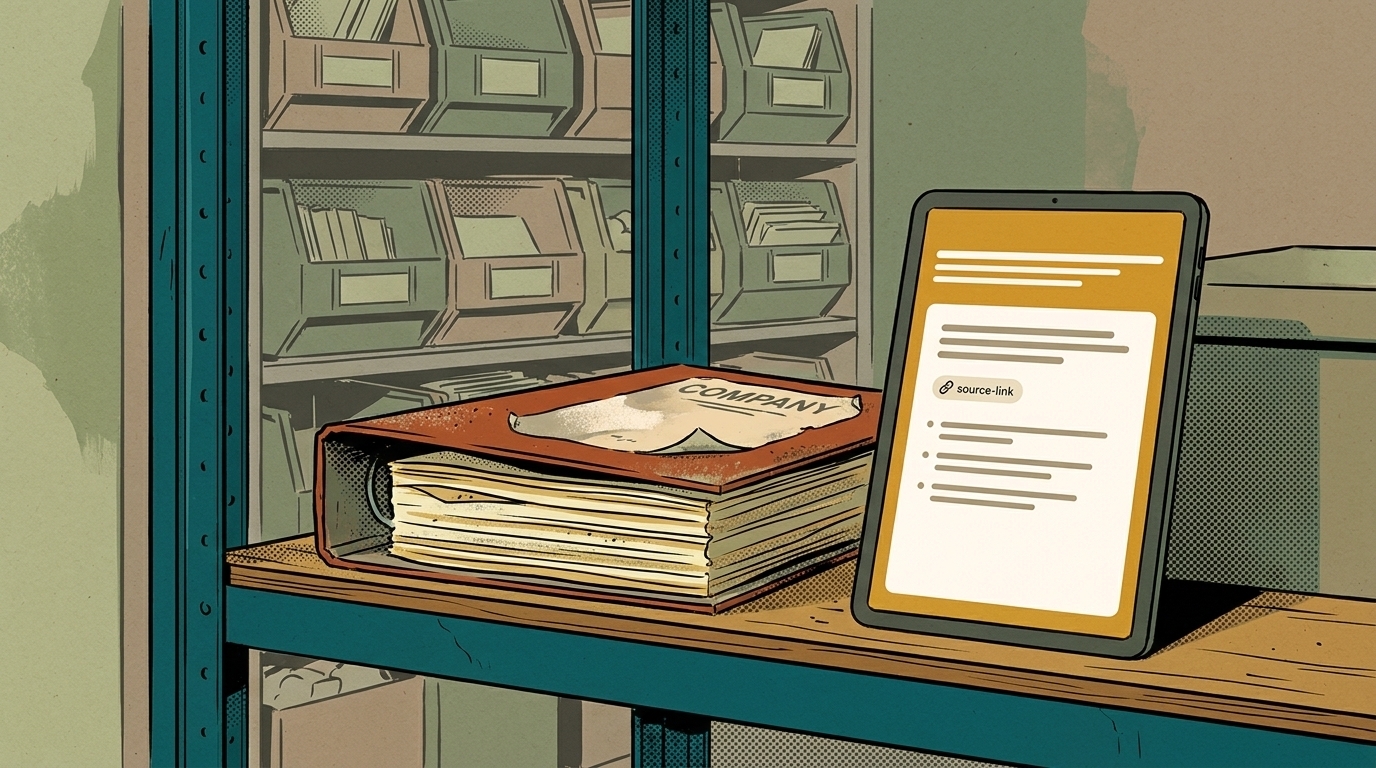
Because updating them is nobody's actual job. The pattern is familiar: a wiki gets built in a burst of good intentions, when someone new is starting or something went badly wrong. For a few weeks it's accurate. Then the price list changes, a supplier switches, a procedure gets a shortcut, and the change lives in an email thread instead of the wiki. Six months later, people stop trusting it, and once they stop trusting it they stop updating it.
The cost shows up as searching. Atlassian's research across thousands of knowledge workers found teams spend over 25% of their workweek searching for information. In a small business, that searching can end in interrupting the one person who knows.
Why does a stale knowledge base cost more than having none?
Because people act on it. An empty wiki sends people to ask someone. A wrong one sends them off confidently with last year's price, last year's process, or a contact who left. The mistake shows up later, at a customer, where it's more expensive to fix.
The same problem gets worse when AI is involved. An AI assistant answering from an out-of-date knowledge base gives wrong answers fluently and fast. Before you put AI on top of your documents, decide how those documents stay true.
Who should own each part of the knowledge base?
The person who'd notice first when it's wrong. Not an admin, not IT, and not "everyone."
- Pricing and quoting rules: whoever sends quotes.
- Service procedures: the lead tech or production lead.
- Supplier and vendor details: whoever places the orders.
- Customer-facing policies: whoever handles complaints.
Write the owner's name at the top of each section, with a "last checked" date. Then put a short review on the calendar, monthly for anything that changes often and quarterly for the rest. Ten minutes of "is this still true?" beats a yearly rewrite nobody finishes.
How do you know your knowledge base is stale?
- People ask a colleague before they check it.
- New hires are told "don't trust the wiki, ask Sam."
- Pages show no edits in the last six months on topics that clearly changed.
- Two documents give different answers to the same question.
- Nobody can say who's responsible for keeping a given page accurate.
Two or more of those and the problem isn't the software. It's that upkeep has no owner.
How does AI keep a knowledge base current?
By reading the places work already happens, so the knowledge base isn't a second copy someone has to maintain. Instead of asking a tech to update the wiki after a tricky repair, the AI can draw on the job notes, the photos, and the follow-up email that already describe it.
That changes the job from writing documentation to checking it. A useful setup:
- Connect the sources people already use: shared drives, job files, recorded calls and training sessions, the email folders where decisions get made.
- Have AI answer with sources. Every answer links to the document it came from, so people can check the date and the context.
- When sources disagree, flag it to the topic owner instead of picking one.
- When nobody has the answer, say so, and log the question. A list of unanswered questions is the best to-do list a knowledge base ever had.
Your back catalog counts too. Recorded training sessions, past proposals, and old project files become useful once they're searchable, because you can ask what you've already said or done about a topic instead of starting over.
How do you keep knowledge from walking out the door?
Plan for people leaving, because some will. The Bureau of Labor Statistics found median tenure with a current employer was 3.5 years in the private sector in January 2024, 4.9 years in manufacturing and 3.5 in professional and business services. Over a few years, a lot of what your team knows can change hands.
Two moments deserve extra attention. The handoff from sales to the people who deliver the work, where a customer gets asked questions they already answered. And departures, where years of "how we actually do it" leave in one person's head. Capture both on purpose:
- Record handoff calls between sales and delivery, and have AI turn them into an account summary the delivery team can search.
- Interview people before they leave, or better, while they're in the job. Ask how they handle the cases that aren't written down. Record it and let AI draft the notes for them to check.
- Record people doing tricky jobs and turn the recordings into steps. There's more on that in using AI for SOPs your team will follow.
What does it take to build this properly?
For a small team, a lot of it starts with habits: owners, review dates, and recording the right conversations. The technical part is making one place your team can ask that draws on everything else. If you're starting from scratch, the full walkthrough is in how to build an AI knowledge base for your business.
AI Marketing Labs' RAG System is built for exactly this situation. It takes the scattered material (old emails, transcripts, proposals nobody can find) and builds it into a private system your team can ask in plain English. Every answer comes back with a link to where it came from, and when the answer isn't in your data, it says so instead of making something up. It's a fixed-price, four-week build that runs on your own accounts, and your team learns to add new documents at handoff so it keeps growing.
Frequently asked questions
How often should an internal knowledge base be reviewed?
Monthly for anything that changes often, like pricing and procedures, and quarterly for the rest. Short, regular checks work better than a yearly rewrite.
Who should own the knowledge base?
Each topic should have its own owner: the person who would notice first when it's wrong. A single admin can't keep every section accurate.
Can AI keep a knowledge base updated automatically?
It can draw answers from where work already happens and flag conflicts, which cuts a lot of the upkeep. A person still decides what's correct.
Should we delete old knowledge base pages?
Archive them rather than delete them, and mark them clearly as out of date. Old pages can still answer how things used to be done, but they shouldn't show up as current answers.