AI for solopreneurs works best as capacity you don't have to manage. Hand it the repeat jobs that eat your week (follow-ups, proposals, notes, scheduling, the monthly numbers) and keep the client work that pays. You get some of what a hire would give you, without payroll, without an employee to train, and without becoming somebody's boss, which may be exactly what you chose to avoid in the first place.
TL;DR
- The real alternative to AI for a solo owner is a hire you've decided not to make.
- Give it the admin around client work, one job at a time, and keep the judgment.
- Build each job once, then reuse it every week.
Why is AI an easier call for a one-person business?
Because you're the only person who has to change how they work. A shop with a dozen people has to retrain staff, rewrite procedures, and deal with the person who liked the old way. A solo owner decides on Monday and works differently by Tuesday.
Rick Kranz, co-founder of AI Marketing Labs, put it simply when he was comparing solo owners with multi-location businesses: "They don't have any employees they have to train." That's his view, not a law of nature, but it matches how the decision works. You hold the budget, you do the work, and you feel the result the same week.
There are a lot of people in that position. The Census Bureau counted 29.8 million nonemployer businesses with $1.7 trillion in receipts in 2022, meaning businesses with no paid employees at all. That's the audience this is for.
What does a hire actually cost compared with AI?
More than the wage. The Bureau of Labor Statistics puts total employer compensation for private industry workers at $46.89 per hour worked in June 2026, with wages making up 70 percent and benefits the other 30 percent. Then add the parts that don't show up on a pay stub: the hours you spend hiring, training, checking work, and covering when they're out.
AI doesn't replace a person who thinks for you. It replaces some of the repeat work you'd have hired that person to do. The comparison that matters isn't AI versus an employee. It's AI versus the version of your week where nobody does those jobs, because you've already decided not to hire. For a solo owner who has ruled out hiring, that's the honest baseline.
Which jobs should you hand to AI first?
The ones that come back every week, follow a pattern, and don't need your judgment to be right. A good starting list:
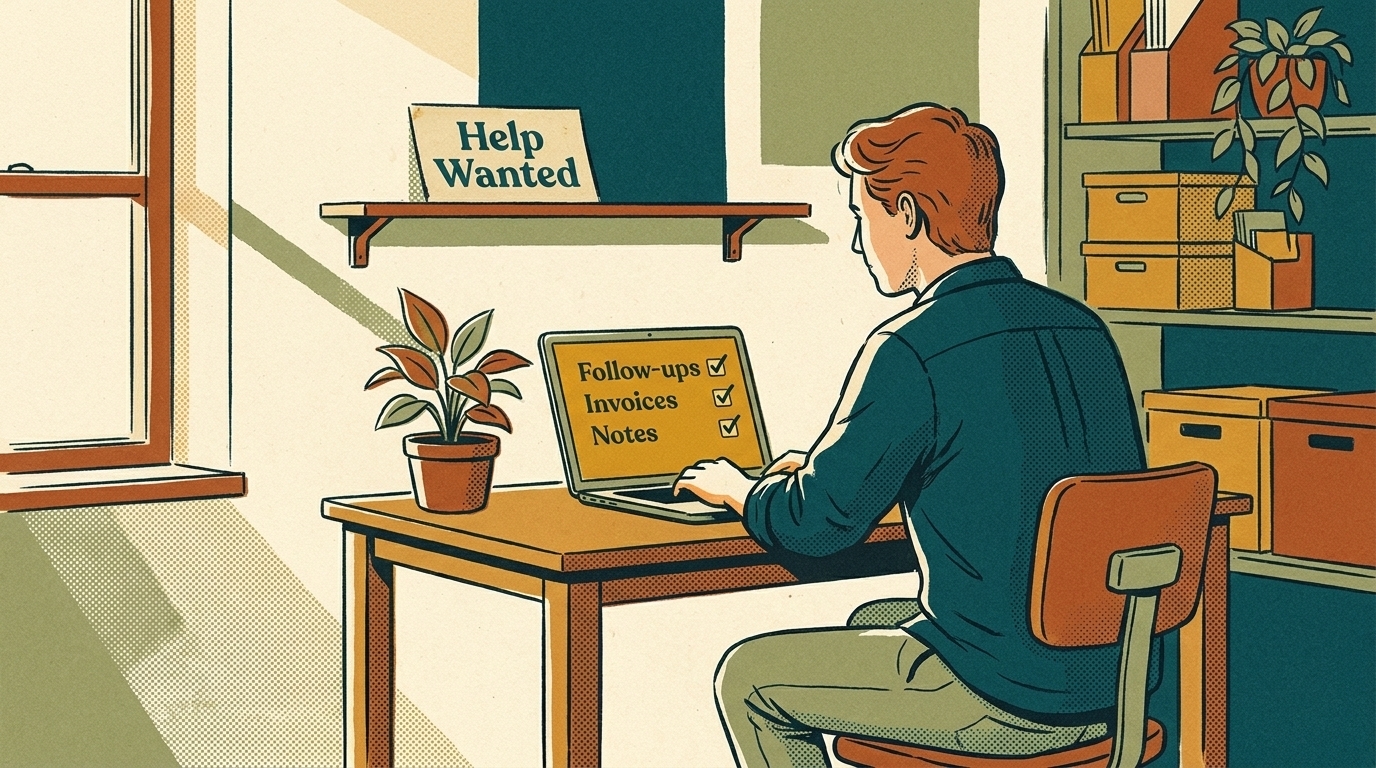
- Follow-ups. Drafting the "just checking in" emails on open proposals and unpaid invoices, so they go out on time instead of when you remember.
- Proposal first drafts. Turning your call notes and past proposals into a draft you edit, rather than a blank page you dread.
- Meeting notes and next steps. A summary and an action list after every client call, filed where you'll find it.
- Inbox triage. Sorting what needs you today from what can wait or doesn't need a reply.
- The monthly numbers. Pulling revenue, pipeline, and marketing results into a short written update you actually read.
Each of these is narrow and has a clear finish line. That's what makes them safe to hand over first. If you want to see what that looks like as a working agent, there are AI agent examples for a one-person business alongside other kinds of small shops. Consultants and freelancers have their own versions of this list: what AI for consultants should handle first, and the few AI tools for freelancers worth your time.
What should you keep doing yourself?
The work clients pay you for, and anything you'd be embarrassed to get wrong. Pricing. The advice itself. What you promise and when. How you handle an unhappy client. The relationship.
A useful rule: AI drafts, you decide. It can write the proposal; you set the price and the scope. It can draft the reply to a tricky email; you read it before it goes. The risk that matters most for a solo business is something going out under the owner's name that the owner never read.
It helps to write your own line down. For example: AI can draft any client email, but nothing with a price, a deadline, or bad news goes out without me reading it. A clear rule like that lets you hand over more without worrying about what slips through.
How much of your week is it realistic to get back?
Admin is a big slice of a small owner's week. A 2026 American Express survey of 1,000 UK small and mid-sized business owners found they spend an average of 11 hours per week on administrative or finance-related tasks, and about half that on sales and business development. That's not a solo-only or US figure, but if your week looks anything like it, the admin pile is where the time is.
Don't plan on getting all of it back. Some admin needs you, and every AI job needs a few minutes of checking. A better target: pick the two or three jobs from the list above that cost you the most time, measure them for two weeks, then see how much of that time you still spend once the AI is drafting them.
Plenty of independent workers are already testing this. MBO Partners found that in 2025, 74% of independent professionals reported using gen AI, ahead of traditional employees. Using it isn't the hard part anymore. Pointing it at the right jobs is.
How do you set up one job without it becoming another project?
Treat the first job like a trial hire with a short leash:
- Pick one job from your list, the one that annoys you most each week.
- Write down how you do it now in plain steps, including the parts you'd tell a new assistant ("always copy the client's project manager," "never mention pricing in the follow-up").
- Collect three or four good examples of the finished work, like past proposals or emails you were happy with.
- Give the AI the steps and examples and have it draft the next real one. Edit it, then note what you changed.
- Fold your edits back into the instructions. After a few rounds, the drafts need less fixing.
- Only then automate the trigger, so the job starts on its own when the email arrives or the meeting ends.
The instructions and examples are the asset. Keep them in a document you own, not buried inside one tool's settings, so you can move them if a better tool comes along.
What does a solopreneur's AI setup cost?
Less in software than in your time. The software side is usually a paid plan for one general AI assistant, plus usage fees if you automate jobs that run on their own. Check what you already pay for before adding anything; a note-taker or AI features may already be inside tools you use.
The bigger cost is the hours to set each job up: writing the instructions, gathering examples, and checking drafts for the first few weeks. Budget a few hours per job, spread over a month.
For a sense of scale, use the BLS figure above. Ten hours a week of an employee's time at $46.89 an hour in total compensation is about $469 a week, before hiring and training. You're not comparing AI to that number directly, because you're not hiring. But it's a useful ceiling: if a job's AI setup and running costs come anywhere near it, the job isn't a good candidate.
What goes wrong when solo owners automate?
- Too many tools at once. Five subscriptions, none set up properly. One job running well beats five half-built.
- Automating a mess. If your follow-up process lives in your head and changes every week, the AI copies the chaos. Write the steps down first.
- Nobody checking. The whole point of a solo business is that your name is on everything. A draft that goes out unread is the one that causes the problem.
- Forgetting the cost. Usage-priced tools add up quietly. Check the bill after the first month and decide whether the time saved is worth it.
- Building alone and stalling. A half-finished automation is worse than none, because you stop doing the job by hand and the automation doesn't do it either.
Do you need to learn to build this yourself?
Not to start. Most of the jobs above begin with a well-written instruction document and a general AI assistant you already pay for. The building comes in when you want the job to start on its own, connect to your email or CRM, or run every day without you opening a chat window.
That's where help pays off, and it doesn't have to mean hiring a developer. AI Marketing Labs runs The Lab, a working room rather than a course, with three live build sessions every week, community and weekly office hours, and every session recorded and indexed. Consultants and business owners are among the people it's built for. You build your own systems alongside others doing the same, which suits a solo owner who wants the capacity without handing the keys to someone else.
If you'd rather start with something smaller, pick one job from the list, write the instructions this week, and run it by hand for a month. You'll know quickly whether it's worth automating.
What should you do this week?
Three things, in order. Write your list of weekly repeat jobs and note roughly how long each takes. Pick the one that costs the most time and has a clear finish line. Then write its instructions and three good examples, and have AI draft the next one.
That's the whole start. No new software, no project plan, just one job that used to need you and now needs a check. Once it's reliable, do the next one.
Frequently asked questions
Is AI worth it for a business with no employees?
It can be, if you point it at repeat jobs that cost you real hours each week. Start with one, measure the time before and after, and keep it only if the saving outweighs the checking and the bill.
What's the cheapest way for a solopreneur to start with AI?
Use a general AI assistant you may already pay for, plus a written set of instructions and examples for one job. You don't need new software to find out whether a job is worth automating.
Will AI replace the need to ever hire?
Not necessarily. It can delay a hire or change what you'd hire for. If the work that's growing is judgment and client relationships, a person may still be the right answer.
How do I know which job to automate first?
Pick the job that comes back every week, takes the most of your time, and has a clear finish line. If you can't describe how a good result looks, it isn't ready to hand over yet.