How Can AI Find New Automation or Revenue Ideas in Your Email and Notes?
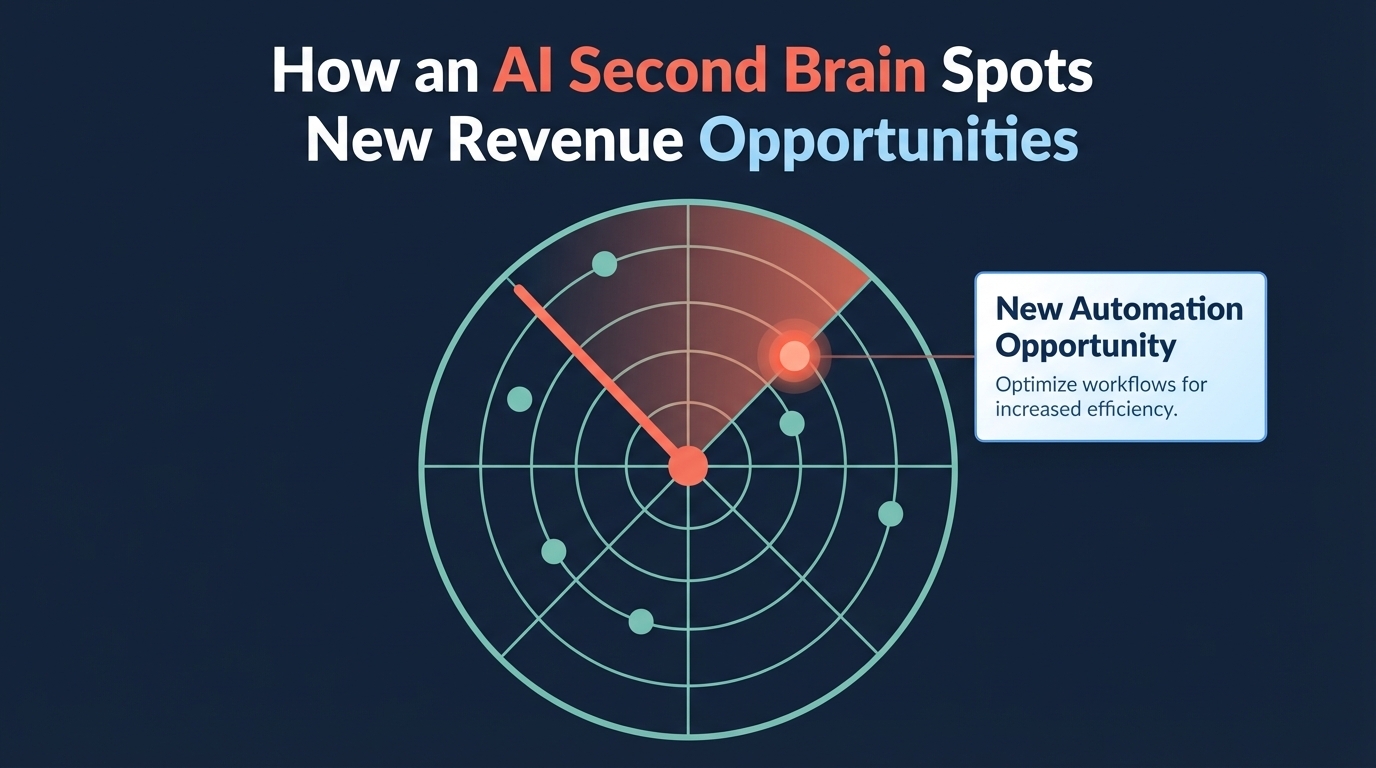
AI finds new automation or revenue ideas in your email and notes by reading back what you've already written and counting what repeats: the question three customers asked this month, the checklist you keep re-sending, the report you complain about rebuilding every Friday, and the kind of job that keeps paying best. None of that is hidden. It's buried, because nobody re-reads a year of email. A model will, in minutes, if you give it the right material and ask four specific questions.
TL;DR
- Repeated customer questions are content, FAQ, or a paid offer waiting to be written.
- Repeated manual tasks in your messages are your automation list.
- A quarterly look at where time goes versus what pays tells you what to sell more of.
Why are the ideas already in your inbox?
Because most of the working day is spent on the work around the work, and that work leaves a written trail. Asana's Anatomy of Work research, a survey of more than 10,000 knowledge workers, found that 60% of a person's time at work goes to work about work rather than skilled work: chasing updates, searching for files, repeating what was already done. In a small business, that trail is your email, your meeting notes, your shared drive, and your chat threads. Every "can you send me that again," every "I had to rebuild the client spreadsheet," every "do you do X too?" is sitting there. The problem was never storage. It's that nothing reads it back.
What should AI look for?
Four patterns, each of which turns into a specific kind of idea.
1. Questions customers keep asking. If the same question shows up from three customers in a month, it's a page for your site, a line in your onboarding email, or, if the answer takes an hour every time, a paid workshop or a fixed-price service. Ask: "Read these customer emails from the last 90 days. List every question asked more than twice, how many times, and who asked. Group near-duplicates."
2. Documents you keep re-sending. The checklist, the template, the "here's how we do it" explainer you attach every few weeks is a product you already wrote. Ask: "Which attachments and links did I send most often in these threads? For each, say who received it and what they were trying to do." The answer is your list of things to package as a guide, a starter kit, or a paid template.
3. Tasks you complain about. People describe their own repetitive work in writing all the time: "I need to manually pull the weekly report again," "time to update the client spreadsheet." Ask: "Find every message where I or my team describe a task we do by hand on a schedule. List the task, how often it comes up, and the tools mentioned." That's your automation shortlist, already ranked by how often it hurts.
4. Where time goes versus what pays. Once a quarter, give the model your job list or invoices alongside the notes and ask which kind of work took the most back-and-forth and which earned the most. When the two don't match, you've found what to raise prices on, what to stop doing, and what to market harder.
What does a 90-day review turn up?
Here's a worked example of the kind of output to expect from a service business's inbox, with the numbers illustrative rather than measured. Ninety days of customer email produces: a question about what happens after the warranty ends, asked by seven customers, which becomes a page and a renewal offer; a pricing explainer the owner attached eleven times, which becomes a one-page guide on the website; and a Friday job-status spreadsheet rebuilt by hand every week, which becomes the first automation. Three ideas, each traced to the messages that produced it, so you can check the model didn't invent the pattern.
That last part matters. Always ask for the count and the source messages behind each idea. A model summarizing a pile of email will occasionally state a trend that isn't there, and the fix is to make it show its evidence every time.
How do you set it up so it keeps working?
Start by hand, then make it a routine. Export one inbox folder or one quarter of notes, run the four questions, and keep the ideas that survive a look at the source messages. If that produces something worth doing, the next step is to stop exporting: connect the assistant to the places the material lives so it can run the same review monthly. How to organize that material so a model can search it is in how to build an AI knowledge base for your business. Which of the automation ideas to build first is in the first workflows to build with AI automation, and how to price them before you do is in how to estimate AI ROI before you automate anything.
Keep two rules from the start. Customer email contains things customers didn't expect to be fed to a tool, so use a business plan that doesn't train on your data and keep personal details out of anything you publish. And a person decides what becomes an offer. The model finds the pattern; it doesn't know which customers you want more of.
When the review should run across email, notes, and documents together, with answers that cite the message they came from, that's the private knowledge base AI Marketing Labs builds as the RAG System, on your own files and permissions.
Frequently asked questions
Do I need special software to do this?
No. A general assistant on a business plan can run the four questions on an exported folder of email or notes. Software matters once you want it to run every month without exporting anything by hand.
Is it safe to give AI my customer emails?
On a business or team plan that doesn't train on your data, it's the same kind of risk as any other cloud tool that already holds your email. Remove anything sensitive you don't need, and never publish a customer's details without their permission.
How often should I run the review?
Monthly for customer questions and repeated tasks, quarterly for the time-versus-revenue comparison. More often and the patterns are too small to trust.
What if the AI finds an idea that isn't real?
That's why you ask for the count and the source messages behind every idea. If it can't point to the messages, drop the idea.
Search your business with the RAG System
A private knowledge base on your own email, notes, and documents, with answers that cite where they came from. Built on your files and permissions.

With over 15 years of marketing experience, Kelly is an AI Marketing Strategist and Fractional CMO focused on results. She is renowned for building data-driven marketing systems that simplify workloads and drive growth. Her award-winning expertise in marketing automation once generated $2.1 million in additional revenue for a client in under a year. Kelly writes to help businesses work smarter and build for a sustainable future.