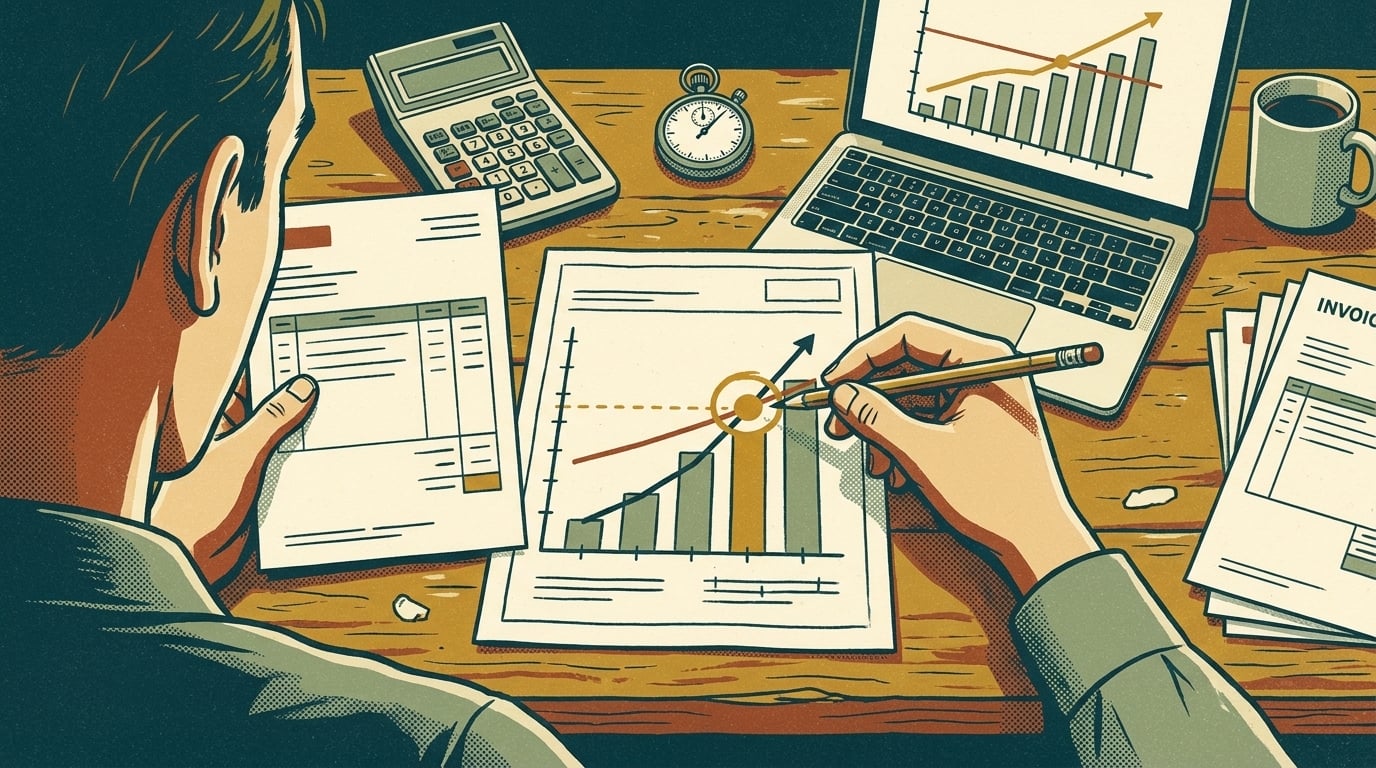
Estimate AI ROI from one workflow, not your whole business: the hours it takes now, what those hours cost, and how often it runs. Compare that yearly cost with what the automation costs to build and keep running. If you can't say how many hours the workflow takes today, track them for two weeks before you buy anything.
TL;DR
- Pick one workflow and measure the hours it takes now.
- Multiply by a loaded hourly cost, then subtract build and running costs.
- Count the ongoing costs, not just the build.
Why do AI ROI estimates go wrong?
Because they start too big. "AI will make us 20% more productive" isn't an estimate. It's a hope, and you can't check it afterward.
Even large companies struggle here. KPMG's Q2 2026 Global AI Pulse survey of more than 2,000 senior leaders found "only 7 percent of leaders report establishing ROI" (KPMG). The same survey found that organizations with strong visibility into their AI costs were "five times more likely to achieve ROI (15 percent vs. 3 percent)." Knowing what you spend turns out to matter as much as knowing what you save.
A small business has an advantage: you can measure one workflow exactly, because you can see the people doing it.
How do you estimate the savings?
Pick one workflow, then answer three questions.
- How many hours a week does it take? Count everyone who touches it. If you don't know, have them log it for two weeks.
- What does an hour cost you? Use the loaded cost, not just the wage. The Bureau of Labor Statistics reports that "employer costs for employee compensation for private industry workers averaged $46.89 per hour worked in June 2026," with wages at $32.82 and benefits at $14.07 (BLS). Use your own numbers if you have them.
- How much of that time would the automation actually remove? Be conservative. If a person still reviews the output, they still spend some time on it.
Here's a worked example with illustrative numbers. Say your office manager spends 8 hours a week turning emailed requests into jobs in your system, and you expect automation to remove 6 of those hours.
- 6 hours × $46.89 = about $281 a week
- $281 × 52 weeks = about $14,630 a year in time freed up
That time isn't cash in the bank unless you use it. Decide up front what the freed hours go to: more jobs booked, faster quotes, or not hiring the next person.
What does the automation really cost?
This is the side of the math many estimates skip. List all of it:
- Build cost: the one-time fee, or your own team's hours if you build it yourself.
- Software and platform fees: monthly plans, per-task charges, and AI usage. Usage-based pricing grows with volume, so estimate it at your busiest month.
- Upkeep: someone's hours each month checking the output, fixing what breaks, and updating it when an app changes.
- Review time: if a person approves every output, that time stays on the books.
Continuing the example: say the build is $6,000, software and AI usage run $150 a month ($1,800 a year), and upkeep takes 2 hours a month (about $1,125 a year at $46.89).
- First-year cost: $6,000 + $1,800 + $1,125 = $8,925
- First-year return: $14,630 − $8,925 = about $5,700
- Payback: about 6 months, then roughly $11,700 a year after that, once the build is paid off
If your version of this math comes out negative or thin, that's a useful answer too. Pick a bigger workflow, or wait.
Where the automation runs affects the running cost. Platforms that charge per task can cost more at volume than a build you own, which is covered in AI workflow automation tools vs a custom build.
What should you check before you trust the number?
An estimate is only as good as its assumptions. Before you commit, check the ways AI projects quietly go wrong: a goal that keeps shifting, inputs messier than you planned for, and nobody owning the result after launch. AI Marketing Labs' free Why AI Projects Fail checklist walks through those failure points, so you can fix them before they eat your return.
Two more checks:
- Is the workflow stable? If the process changes every month, automation will need constant rework.
- Is the input predictable enough? Emails and PDFs can be handled now, since AI workflow automation finally works on messy inputs, but plan for a person to review the unclear cases.
How do you measure the return after launch?
Use the same number you measured before: hours per week on that workflow. Check it after the first month and again after three. Small-business owners in an SBE Council survey reported saving a median of five hours of their own time each week through AI use (SBE Council). That's a useful reference point, but your before and after numbers are the only ones that count for your business.
Frequently asked questions
How do you calculate AI ROI?
Take the yearly value of the time or errors the automation saves, subtract its yearly cost including build, software, AI usage, and upkeep, then divide by that cost. Do it for one workflow at a time.
What if I can't measure the hours saved?
Measure turnaround time or errors instead, like how long a quote takes to go out or how many orders get entered wrong. Pick one number and track it before and after.
Should I count benefits other than time saved?
Yes, if you can put a number on them: fewer errors, faster quotes that win more work, or a hire you don't have to make. Keep them separate from the time savings so you can see which part of the estimate held up.
How long should AI take to pay for itself?
There's no standard answer. Set your own bar before you start, such as payback within a year, and don't build anything that can't meet it on conservative numbers.